

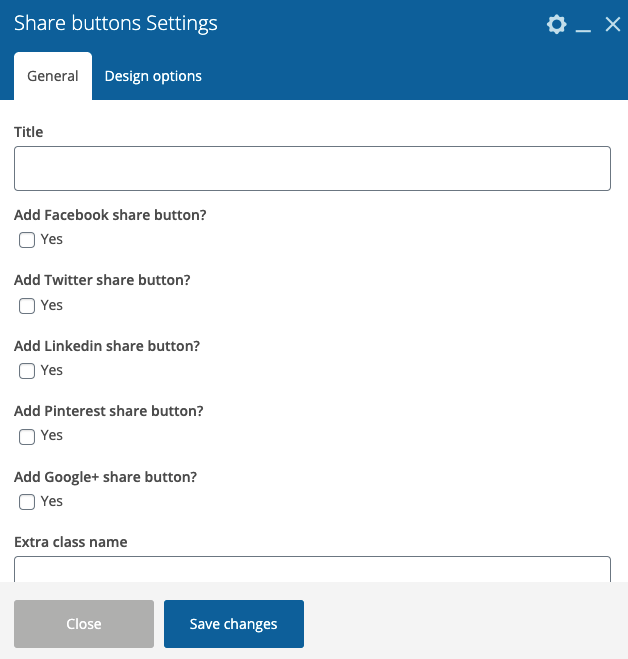
General:
- Title – Here you can add the text for your title.
- Add Facebook share button? – Сheck the box if you want to add Facebook share button
- Add Twitter share button? – Сheck the box if you want to add Twitter share button
- Add Linkedin share button? – Сheck the box if you want to add Linkedin share button
- Add Pinterest share button? – Сheck the box if you want to add Pinterest share button
- Add Google+ share button? – Сheck the box if you want to add Google+ share button
- Extra class name – If you wish to style particular content element differently, then use this field to add a class name and then refer to it in your css file.
Design Options:
- CSS box – Here you can change values of the paddings, margins, and border
- BORDER COLOR – Here you can select Border Color
- BORDER STYLE – Please select the border style
- BORDER RADIUS – Here you can select the Border radius in the pixels
- BACKGROUND – Here you can select the Background Color
- Add image – Here you can add an image for background