

his shortcode allows adding the banner slider to your page. Please click on the “plus” to add a banner item:

and open Slider item settings:

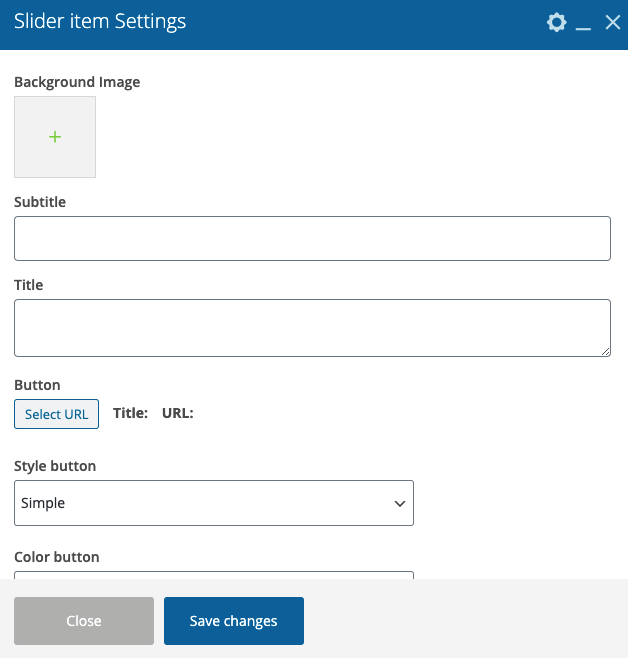
- Background image – Here you can add the image for background
- Subtitle – Here you can add your text for the subtitle.
- Title – Here you can add the text for your title.
- Button – Here you can add link & name for your button.
- Style button – Here you can select the style of your button.
- Color button – Please select the button color (dark or light)
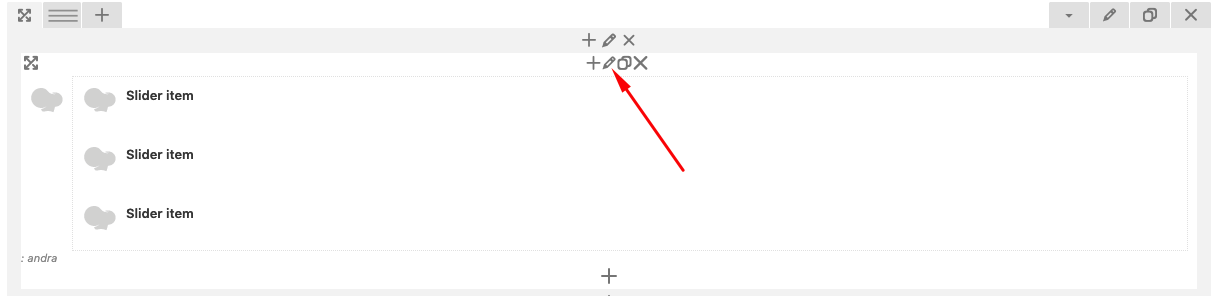
In this way add all needed slider items. After that you can set up your slider animation:
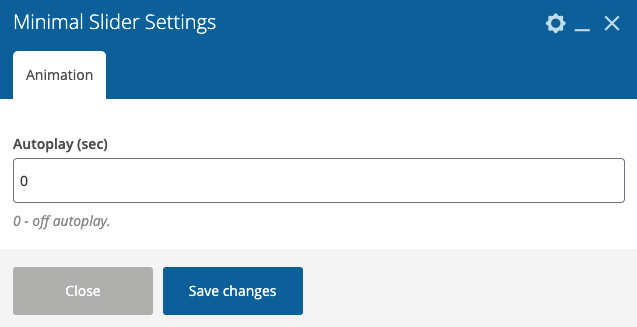
Animation:
- Autoplay (sec) – There you can select the time (sec) when your slides start to switch.