

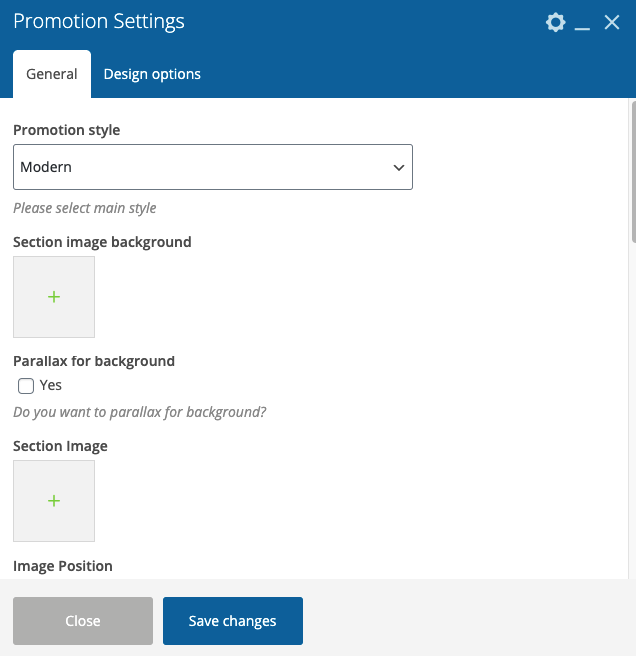
- Promotion style – Here you can select the style of this shortcode which you want to use on your site.
- Section image background – Here you can add the image for the section background
- Parallax for the background – This option allows to add the parallax effect for the background
- Section Image – Here you can add the image for the section
- Image Position – Please select the image position
- Image Width – Here you can select the image width
- Mask image – Will be displayed in the top left side in section
- Subtitle – Please add subtitle text
- Title – Please add the title text. If you want to add the word which will be marked by the main color, please insert it in <i> tag, for example <i>Hello</i>. And if you want to add the word which will be marked bold, please insert it in <b> tag, for example: <b>Hello</b>
- Description – Here you can add the description text
- Button – Here you can add link & name for your button.
- Style button – Here you can select the style of your button.
- Color button – Please select the button color (dark or light)
- Extra class name – If you wish to style particular content element differently, then use this field to add a class name and then refer to it in your css file.